
Download your project files
Export the saved source as a ZIP to inspect it, keep a backup, or open the project on your computer.
Export the source
- Open the project you want to export.
- Wait for the current task or repository import to finish.
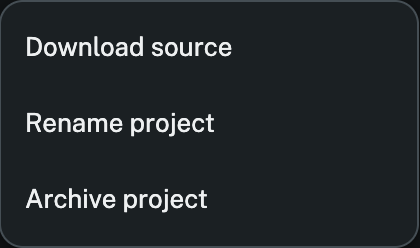
- In the project header, open Project actions and choose Download source.
- Extract the ZIP on your computer. Open the folder in your editor or in freecode Desktop.
The ZIP is a snapshot from the moment you downloaded it. Download a fresh copy to pick up later changes.
Recover the last saved copy
If freecode reports that it couldn’t save the current work, open Project actions and choose Download last saved version when it appears. Check the files before relying on that copy. It may predate the task that failed to save.
Inspect a change locally
If Changes says a diff is too large or a file is binary, open the full file from the ZIP. For a project imported from GitHub, compare the extracted files with the commit shown under Project → GitHub source.